Installation

On the right side of this page, there is a “Release” section
Click on the text “Action Recorder X.X.X” in the “Release” section
Download the Zip file from this button which is located on the bottom under “Assets”
The next step is the same as the normal add-on installation
Header Menu > Edit > Preferences > Add-ons > Install

Select the Zip file you downloaded

Click the “Install Add-on” button
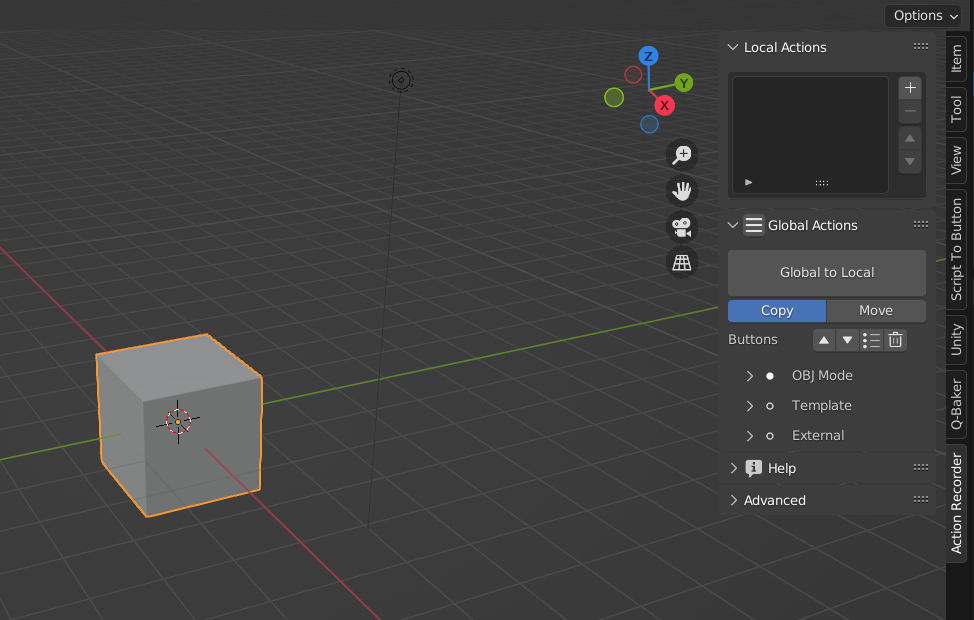
Finished! Now you can see a Tab “Action Recorder” in the UI (by pressing N)